 Damon Salvatore AI
 Prompt: What to Type, and Where a Prompt Stops Working
Searching for a Damon Salvatore AI prompt? Copy four ready-to-edit recipes for image and video models, and see why this tool uses a photo instead. Know limits.
Last updated: 2026-10-30
Searching for a Damon Salvatore AI prompt leads to two different jobs. One is text you paste into an image or video model. The other is getting yourself into the ten-second church edit, where a prompt is not the way in. This page handles both: four copy-ready recipes for the first job, and a straight answer about why the second one runs on a photo.
This generator takes a photo, not a prompt
There is no prompt field on this site. You upload one portrait and the generator produces the church-scene clip, built from your photo and the format's reference clip. The format carries the audio; the preview you see here is square, while generated videos are 9:16 portrait and may vary visually.
That is not a limitation to route around — it is the difference between two methods. A prompt asks a model to invent a person. A photo tells it who the person already is. If your goal is “me, in that scene”, the photo route removes the single most common failure in prompting: the model having to guess a face.
Before you start, check the photo upload entry on the homepage so your portrait matches the current generation flow.
If your goal is text you control yourself, the four recipes below are written for third-party models. Each lists where it tends to break.
The six slots a working prompt fills
Model-agnostic. Most prompts fail because they fill two or three of these and skip the rest.
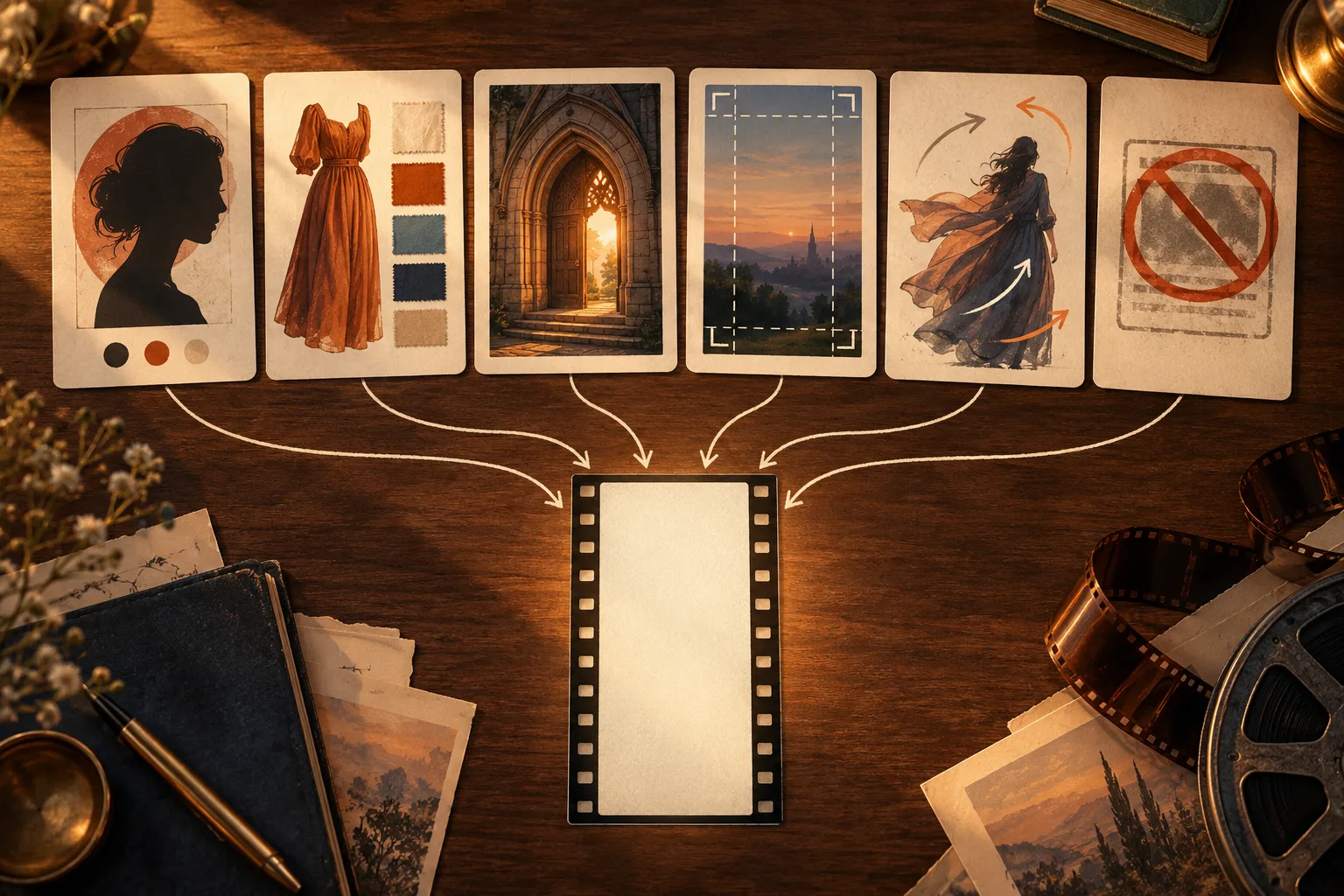
- Subject, and what comes from the photo. Say who it is; if it is a real portrait, pin it explicitly — “the person in the attached photo”, not “a man”. This one choice is the biggest lever on face drift.
- The look. Hair length and texture, facial hair, wardrobe — to the colour and the cut. “Black blazer over an open white shirt”, not “dark clothes”. Models interpret “dark clothes” very differently.
- Setting and light. Place plus light, not mood words. “A small white wooden church with tall double doors, warm sunlight through the doorway” is executable. “Cinematic vibes” is not.
- Framing. Shot size and aspect ratio. Put the ratio in every prompt — many platforms default to square or 16:9, and this scene is vertical.
- Motion, in beats. Describe the action, don't try to program frames. “He walks forward and makes a slow sign of the cross” survives; “glances left at 2.4 seconds” does not — most models do not execute timecodes.
- What must NOT change. The exclusion list: face, expression, wardrobe, hands, text, watermarks. The slot almost nobody writes, and the one that moves up your usable-output rate the most.
Four recipes you can copy
Ordered by how much the model has to do on its own — easiest first. Swap the bracketed parts for your own details, then change one slot at a time between runs; changing everything at once tells you nothing about which line caused the result.
For anyone specifically after a church scene prompt, recipe 3 is the one to start from.
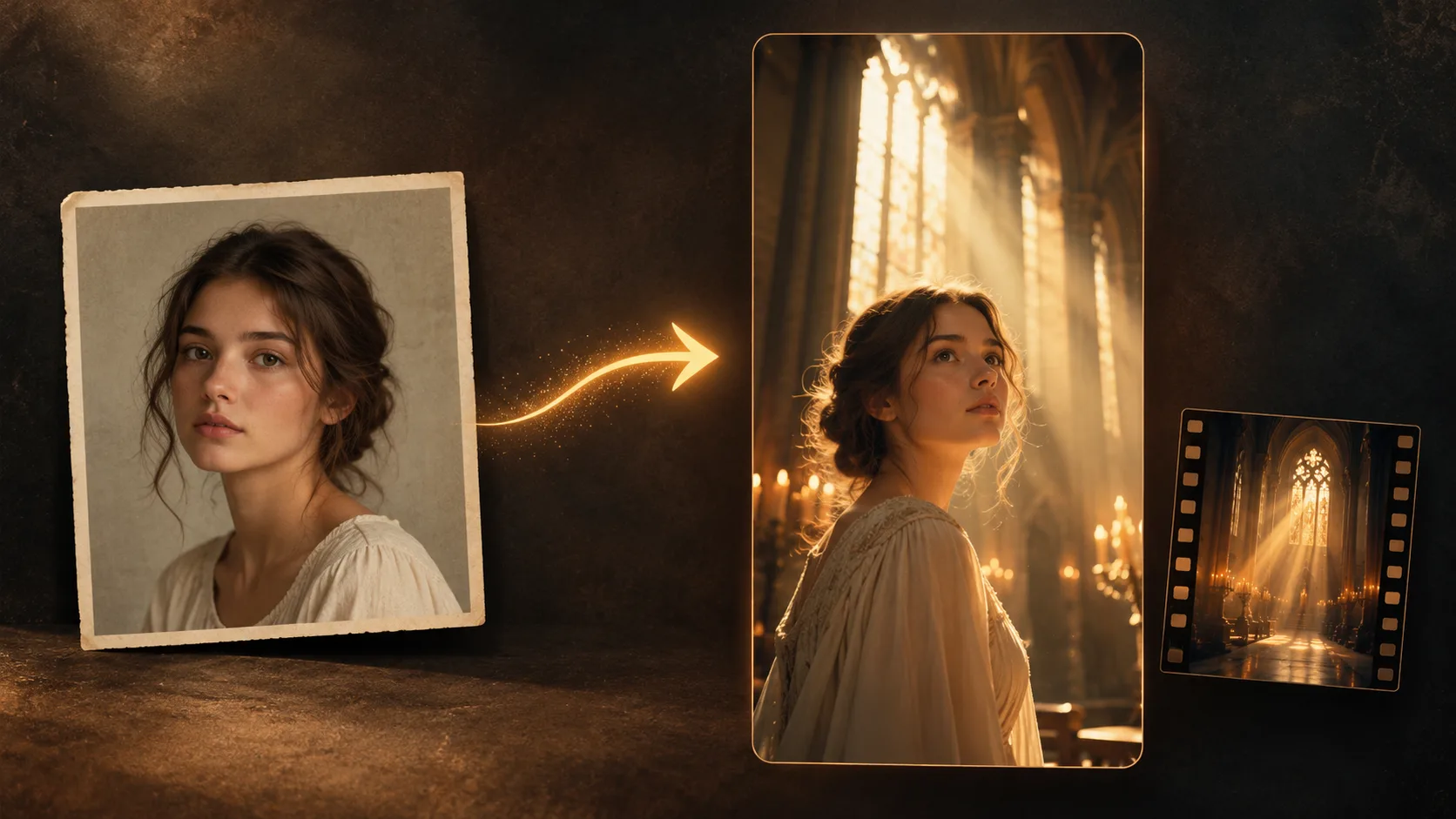
Photo input and scene output are different jobs from a text prompt.
1. A still portrait (text-to-image, no photo input)
A man in his late twenties with dark, tousled, shoulder-length hair,
wearing a black jacket over an open white shirt, standing in the doorway
of a small white wooden church, warm sunlight behind him, rows of dark
wooden pews and a stone basin blurred in the foreground, soft film grain,
shallow depth of field, three-quarter view, calm and faintly amused
expression, warm cinematic colour grade, 9:16 vertical portrait.
Where it breaks: this prompt is pure description, so every run produces a different person. Text-to-image cannot hold one face across generations. If you need a consistent face, use an image input or a character-reference feature — a prompt alone cannot do it.
2. The smirk, no reference clip (image-to-video)
Close shot, chest up, of the person in the attached photo, in a dim room
at night with warm lamp light and dark curtains behind. He looks off camera
with a straight face, then breaks into a slow, cocky smile that widens
until he is almost grinning, then a slow blink. The face stays sharp and
unchanged from the first frame to the last. Keep the plain dark T-shirt
from the photo. No facial hair unless the photo shows it. No text, no
logos, no watermark. 9:16 vertical, 10 seconds.
Where it breaks: neutral expression → open grin is a large jump; in-between frames tend to blur or reshape the face. Safer path: ask for “a slight smirk” first, then extend it to a grin once that holds.
3. The church walk, with a reference clip (image-to-video)
Recreate the reference clip shot for shot: a dark-haired man in a black
blazer over an open white shirt walks into a small sunlit church while a
memorial service is underway. Same shots, same camera angles, same cuts,
10 seconds, 9:16 vertical.

0:00-0:02  wide shot from the pews toward open double doors; a figure
           steps into the bright doorway, small in frame
0:01-0:03  seated people in dark formal clothes turn their heads to look
           back
0:03-0:04  close-up of a hand in a black sleeve dipping two fingers into
           a stone basin of holy water
0:04-0:09  medium shot: the figure walks forward, touches forehead then
           chest in a slow, unhurried sign of the cross
0:09-0:10  closer shot, chest up: he stops, looks around, ends on a
           slight smile

Keep the man's face identical to the face in the attached photo: same face
shape, eye colour and eye shape, eyebrows, nose, mouth, skin tone, age and
hair as the photo. Keep the blazer and open white shirt described above,
not the clothes in the photo. Do not change the seated people's faces.
One head, two hands, five fingers each. No text, no logos, no watermark.
Where it breaks: the timecodes are a description of shot order for the model, not instructions it will execute frame-accurately. Five beats in ten seconds is dense — some models compress them into three or four, or skip the basin entirely. The shot order itself is broken down beat by beat on the church scene page if you want to see what each one is supposed to look like.
4. Put me in the scene (face-locked — closest to how this site works)
Use the attached photo as the only source for the face. Place that person
into the scene below and keep the face identical in every frame: same face
shape, eye colour and shape, eyebrows, nose, mouth, skin tone, age, hair
colour and length, plus any beard, glasses or freckles the photo shows —
and nothing the photo does not show.

Scene: a man walks into a sunlit church during a service; seated guests
turn to look; he dips two fingers into a stone basin, makes a slow sign of
the cross while walking forward, and stops in a close shot with a slight
smile. One head, two arms, two hands, five fingers each. Never morph toward
a different face. No text, no logos, no watermark. 9:16 portrait, 10
seconds.
Where it breaks: if the model does not support an image input or a character-consistency feature, this prompt degrades into plain scene description and you get a different person — long prompt, no lock. Only worth using on models that accept a reference image.
Why the same prompt behaves differently in every tool
The same paragraph does four different jobs depending on what you paste it into:
- Text-to-image — the prompt is the picture. No reference, so a new person every run.
- Text-to-video — the prompt also has to invent motion. Time descriptions are suggestions, not commands.
- Image-to-video with a reference clip — the prompt's main job stops being description and becomes declaration: what stays, what gets replaced. This is why this kind of prompt reads like a spec sheet rather than a description. Recipe 3 is that kind.
- A one-tap template — the prompt is already inside. Your contribution is a photo, not a description; that trade-off is covered on the CapCut template comparison page.
Knowing which of the four you are using is worth more than adding adjectives.
Variation is part of the workflow: compare runs before you publish.
Five mistakes that waste a run
- Writing a performer's name and expecting that face. Most platforms have their own limits on real people, and you would be generating someone else's likeness. Ask for the look, not the person: “dark tousled shoulder-length hair, black blazer, open white shirt”. Whether you may use a given photo is a separate question — the tutorial covers it under Can I use another person's photo?.
- Listing what you want, never what must stay fixed. The single biggest cause of face drift. Slot 6 always needs content, especially in a video prompt where the face has to survive 10 seconds of frames.
- Contradictory adjectives. “Cinematic” plus “phone snapshot”, “dark and moody” plus “bright and airy” — the model splits the difference and you get neither.
- Leaving the ratio out. The scene is vertical; if you don't state it you get square or landscape, and then you crop for TikTok anyway.
- Writing timecodes to a tenth of a second. It reads as precision the model does not have. Give the order of beats and let it allocate frames.
FAQ
Is there a Damon Salvatore AI prompt generator?
Not on this site — there is no prompt field here, only a photo upload, because the scene is generated from a portrait rather than a description. If what you want is a prompt to paste elsewhere, use the recipes above; if you want the finished clip, the step-by-step tutorial is the shorter path.
Is there a prompt that reproduces the exact edit from the show?
Only a model that accepts a reference clip or a first frame can get close. Plain text-to-image and text-to-video do not know the shot order — wide from the pews, then the basin, then the sign of the cross, then the close-up — unless you write it in, and even then it may compress or skip a beat.
My prompt returns a different face every run. What's wrong?
You are on text-to-image. Description can specify what a face looks like; it cannot specify that it stays the same person. Two fixes: give the model a reference image (image input or character consistency), or skip prompting and use the photo route here. Adding more adjectives will not fix it.
Is a longer edit prompt always better?
No — coverage beats length. A short prompt that fills all six slots outperforms a long one that fills two and repeats the rest. Recipes 3 and 4 are long for one reason only: slot 6 (what must not change) needs room in face-replacement work.
Can I use these with any model?
They are not tied to one, but match them to capability: recipe 1 needs text-to-image only, recipe 2 needs image input, recipe 3 needs a reference clip or first frame, recipe 4 needs image input or character consistency. Feeding recipe 3 to a model without reference support gives you exactly what a bare scene description gives you.
Skip the prompt, get the clip
If the point was to see yourself inside those ten seconds rather than to study prompt craft, the photo route is shorter: one portrait in, one generated scene clip out, 9:16 portrait with the reference clip's audio. Generation requires credits; server processing time varies.
The short version of this page: a prompt is for people who want to direct the frames, a photo is for people who want the result — both are valid, just don't add adjectives on the wrong road.